Mesh Deformation
Textures can be turned into meshes that can be warped flexibly, using vertices and binds.
Table of Contents
Vertices
All textures start off with 4 vertices, forming its full rectangle.
Clicking ‘Edit Vertices’ will show the vertices and lines.
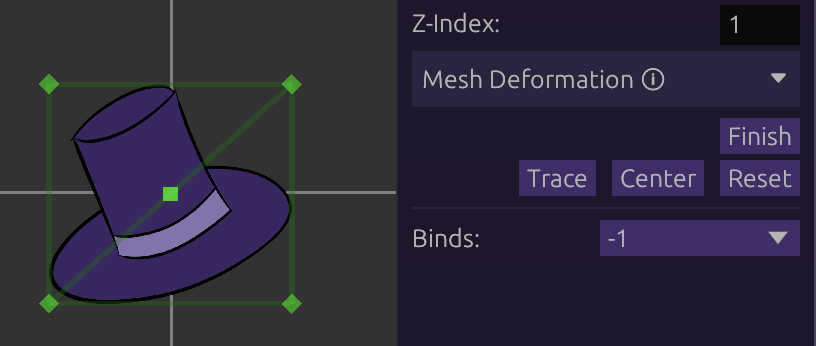
Dragging Vertices
Vertices, as well as the lines and triangles formed by them, can be dragged around to be moved.
Dragging a line or triangle will move the 2 or 3 vertices that it connects to, respectively.
Adding Vertices
While hovering anywhere on a mesh, left-clicking will create a vertex in that place.
This will reconstruct the triangles to form the mesh with the new vertex.
Deleting Vertices/Triangles
Right clicking on a vertex will delete it, and reconstruct the triangles.
A triangle can also be deleted with a right-click. This will not delete any vertices, only the triangle. This can be used to remove excess triangles in cases of over-zealous triangle construction.
Tracing
While editing vertices, clicking Trace will automatically generate a cutout of
vertices around the texture.
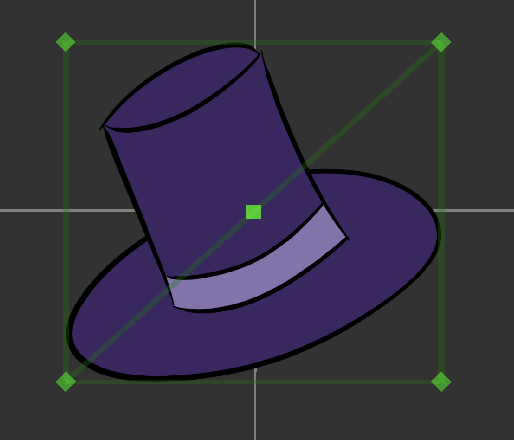
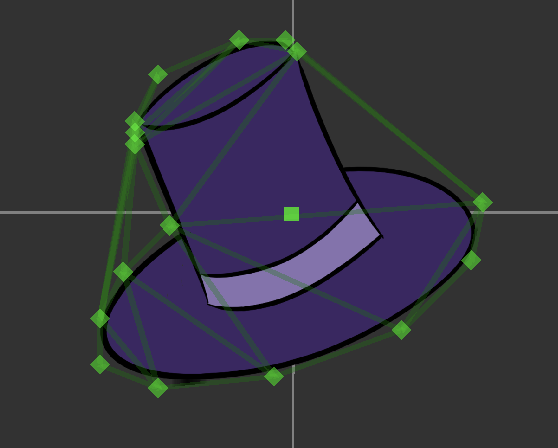
This often requires cleanup of the vertices.
Note: tracing is not intended to work on textures with ‘holes’ in them.
Binds
Vertices can be bound to other bones to be followed around and inherit their properties (scale, rotation, etc).
This is the only way to animate vertices individually, as they cannot be recorded on their own.
Creating Binds
Clicking [New] in the binds dropdown will create a new bind.
Click Set Bone and the bone in question to be set as the bind.
Binding Vertices
Double-click on a vertex to bind it. Double-click again to unbind it.
When bound, vertices will follow the bone around based on its weight scale and pathing behavior (if enabled).
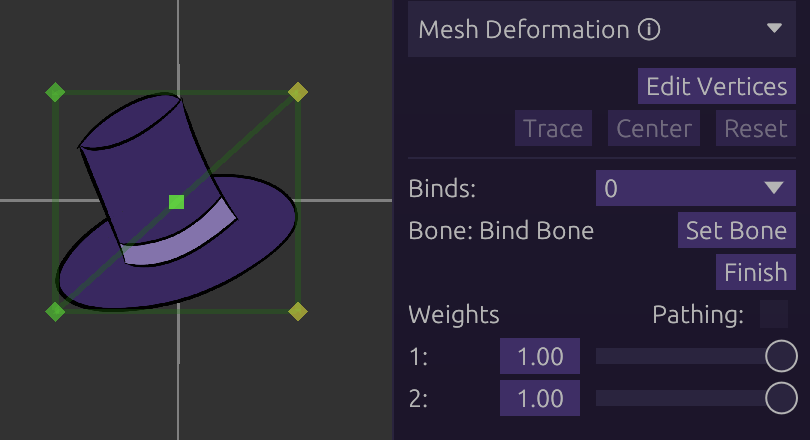
Weights
Each vertex in a bind has a ‘weight’ scale, ranging from 0 to 1. This determines how strongly the vertex is inheriting the bone.
Example: A weight of 0.5 will cause the vertex in question to inherit only ‘half’ the amount of its bone.
Pathing
Enabled by ticking the Pathing checkbox.
Instead of inheriting the bone directly, vertices can be set to follow along an imaginary path formed by its bind(s).
Under pathing, weights will determine how far away the vertex is from the bind.
0 will snap the vertex directly on the bind.
Use cases:
- Tube-like or pipe-like structures
- Rubberhose-style limbs (see Skellington sample in-editor)
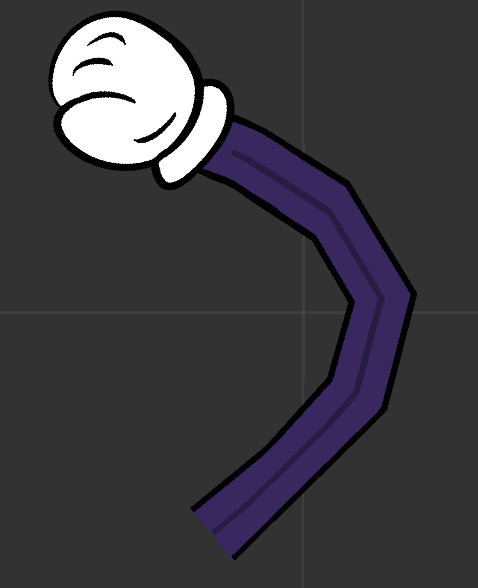
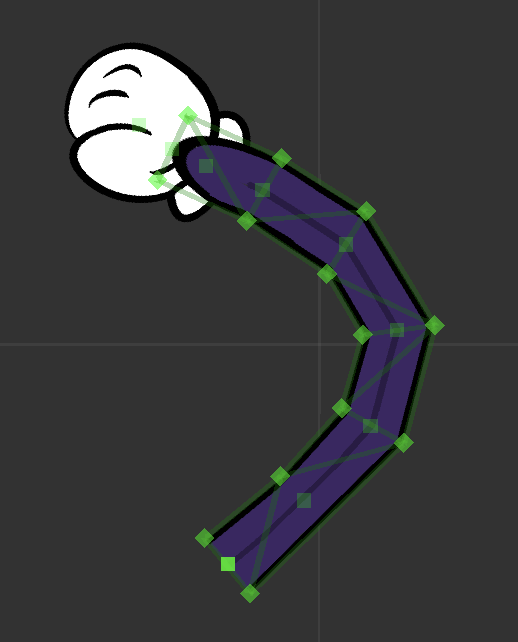
Notice the bind bones (translucent squares) between vertex pairs
Editing UVs
The UV of any vertex can be edited by left-clicking it, and editing the UV sliders that appear on the right panel: